Customers cannot see what happens next
A confirmation email does not show current ownership, progress, history, or whether another reply is needed.
Customer self-service
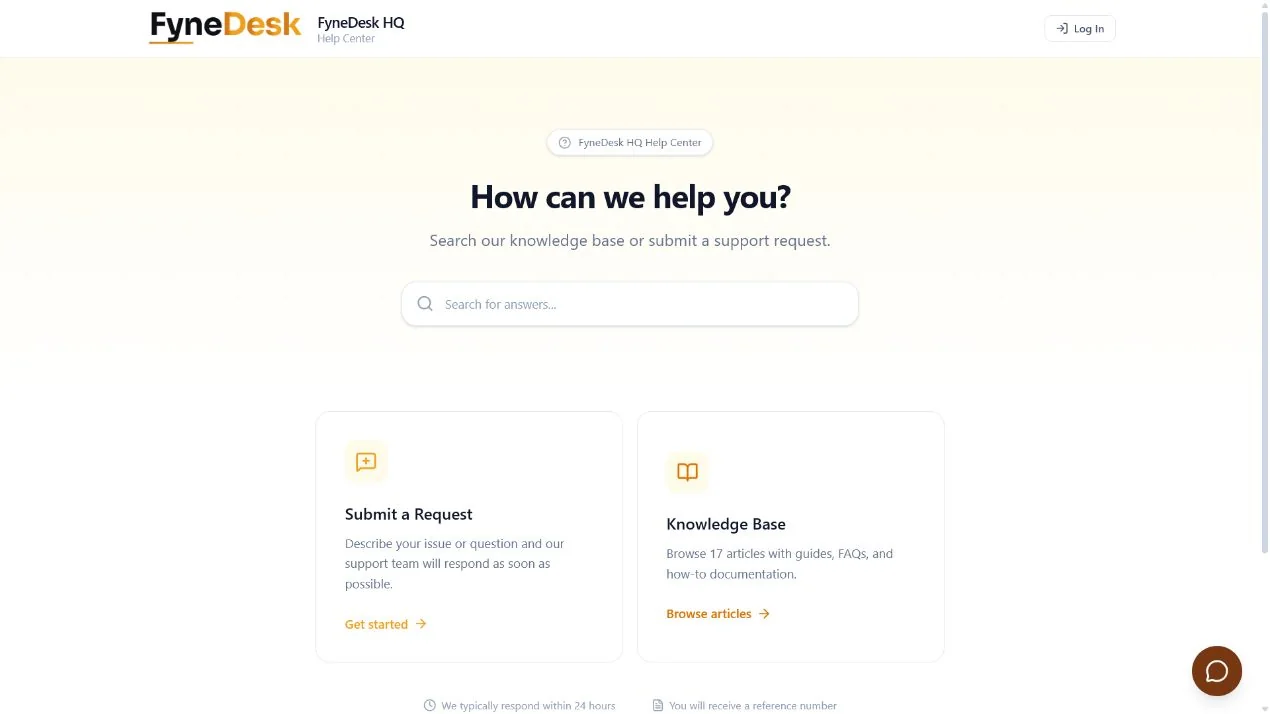
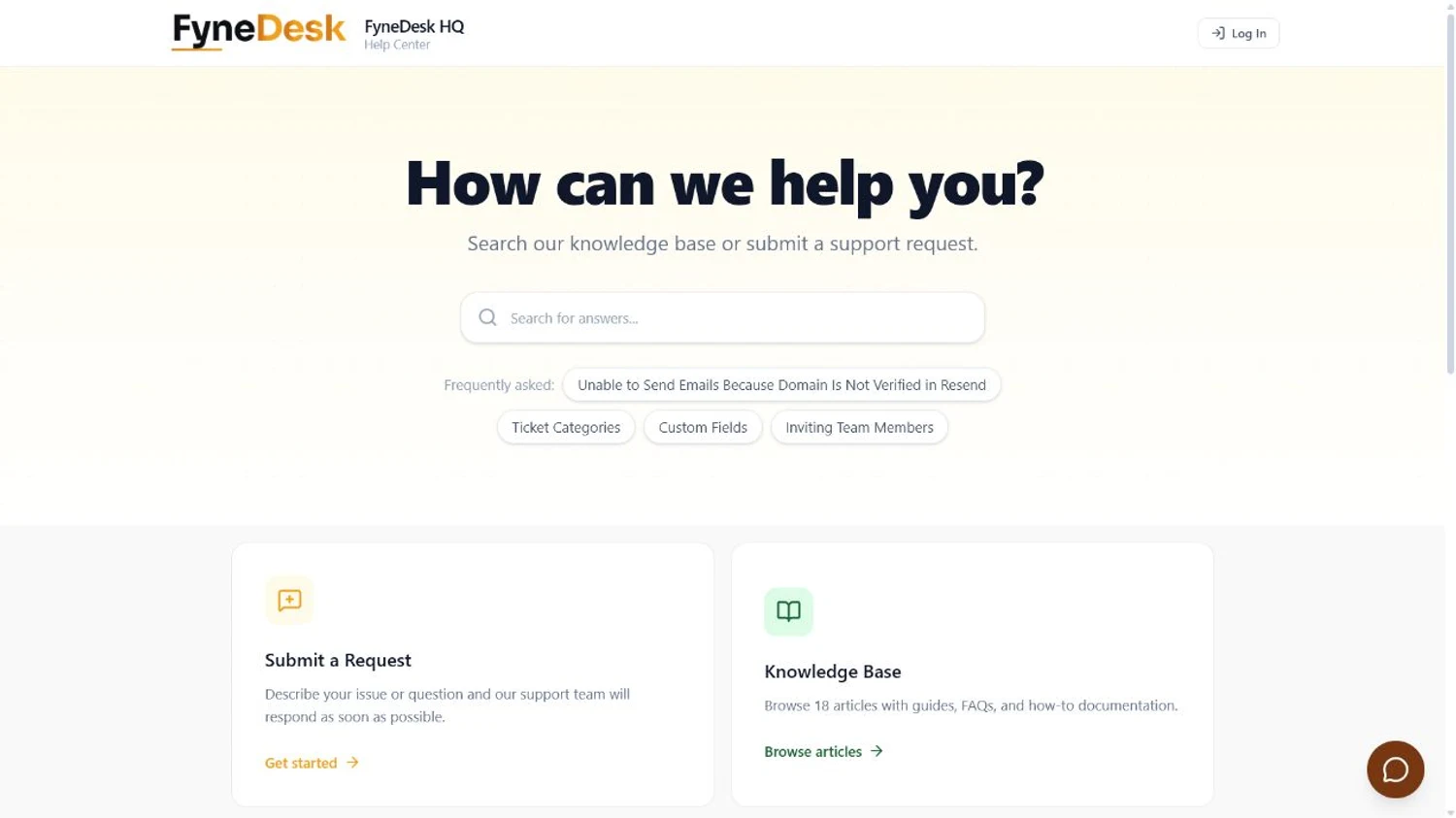
Replace status-chasing email with a branded portal where customers can search approved knowledge and submit a request without an account, then sign in when they need to follow the work through resolution.
Self-service with continuity
A confirmation email does not show current ownership, progress, history, or whether another reply is needed.
People open avoidable tickets when relevant knowledge is not available at the moment they need help.
Agents begin by asking for details that a clear request form could have collected from the start.
One continuous experience
The FyneDesk portal connects searchable knowledge to structured support intake and signed-in request tracking. When self-service is not enough, the request enters the same support workspace your agents already use.
Answer before intake
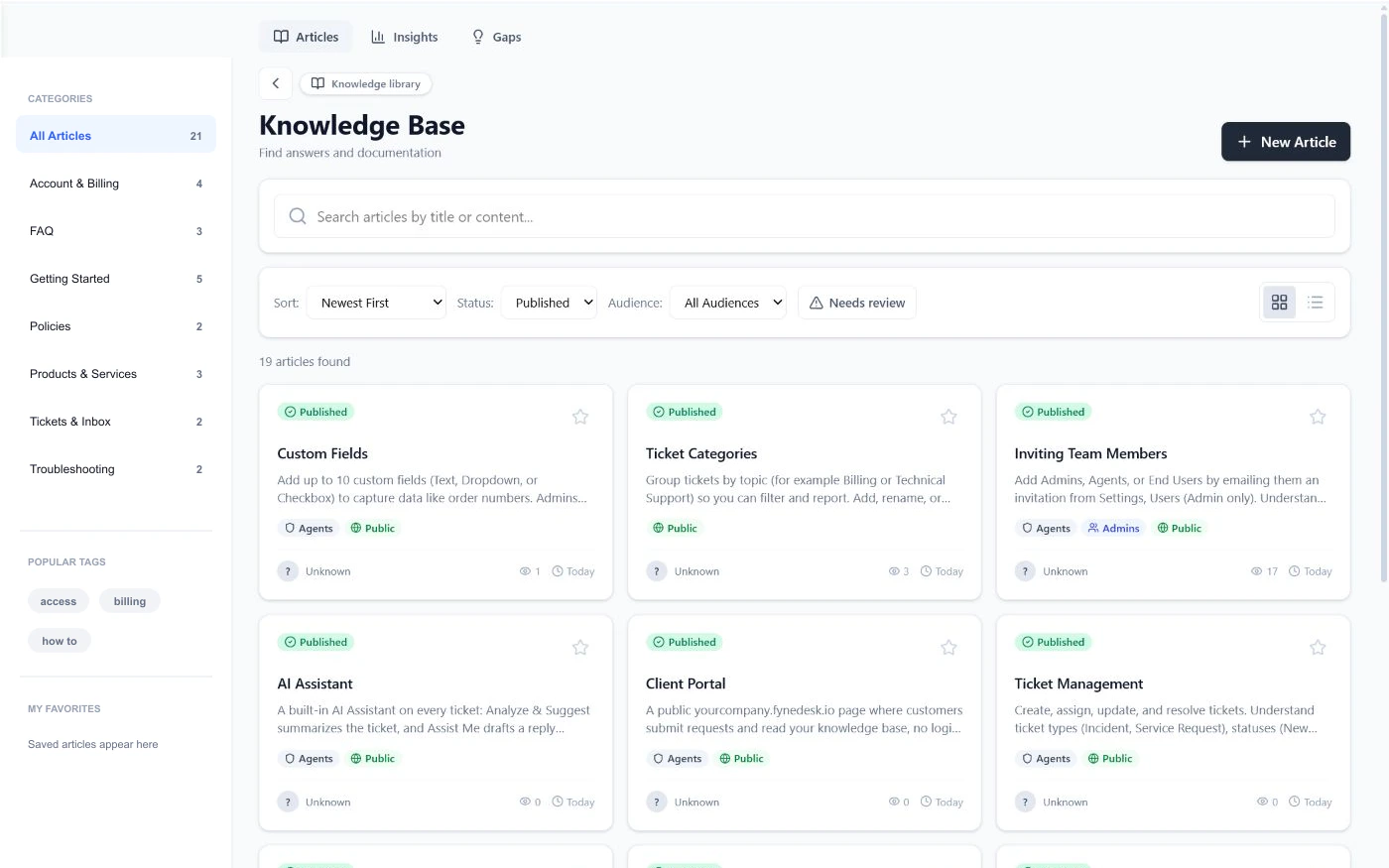
Organize public support articles with searchable categories, related content, and useful feedback signals.
Capture the right details
Portal submissions create trackable work with the fields, attachments, category, and context the support team needs.
Keep progress visible
Pro Client Portal customers can sign in, review their submitted work, continue the conversation, and track the request instead of searching through old email threads.
Verified product scope
FyneDesk separates public knowledge publishing from the signed-in Client Portal so teams can start with useful self-service and add authenticated customer tracking when needed.
Compare plansFrequently asked questions
Yes. Public knowledge articles can be available without a customer account. Visibility can also be limited when an article should be internal or shared more narrowly.
Yes. The Pro Client Portal can accept public support requests without a login. Customer accounts are optional and add signed-in history, replies, and request tracking.
The Client Portal, customer accounts, portal submission, and signed-in ticket tracking are Pro capabilities. Public knowledge publishing and search are available on Free.
Yes. Portal submissions become trackable FyneDesk work with status, assignment, history, fields, and related support context.
Yes. Workspace configuration can use custom ticket fields and structured forms so the support team receives the details required for the request.
It does not have to. Customers can continue using email while the portal provides a consistent destination for searchable knowledge, structured intake, and signed-in request tracking.
Make support easier to return to
Start by publishing searchable knowledge, then add the Pro Client Portal when customers need accounts, submission, and request tracking.
Free for up to 3 agents. No credit card required.