
Give every client request
an owner, history, and next step.
Bring revisions, launch questions, and service requests into one client-service record. Route work by account or team, keep client follow-up visible, and add the Pro portal and agent-reviewed AI Autopilot as the operation grows.
Client portal
Website launch feedback
Client left comments on the latest creative and needs account review.
Deliverable
On trackLaunch sprint
FyneDesk checks approved playbooks and similar resolved client tickets before the account manager replies.
Read on G2“The automation features make it much easier for me to keep my clients up to date on progress and problem resolutions.”
Sound familiar?
One client emails. Another sends a Slack message. A third texts your account manager. Feedback lives in ten different places and nobody has the full picture.
A client says "I asked for this change two weeks ago." You cannot find the original request because it was buried in an email thread nobody can locate.
"Where is my deliverable?" "Did you get my feedback?" Your team spends more time answering status questions than doing actual work.
Which client has the most open requests? Which account manager is overloaded? You are guessing because there is no system to track it.
Quick status checks, basic revisions, and routine client questions keep interrupting your team. Pro AI Autopilot drafts from your service docs; Business Auto Resolve can close confident repeat requests.
What changes with FyneDesk
Every client request, revision, and piece of feedback lands in one place. Each item gets an owner, a status, and a full history. As you grow, advanced roles, audit history, workflow management, and Business workforce tools keep client service controlled without adding spreadsheets.
Five features built around client revisions and deliverables
Client Request Intake
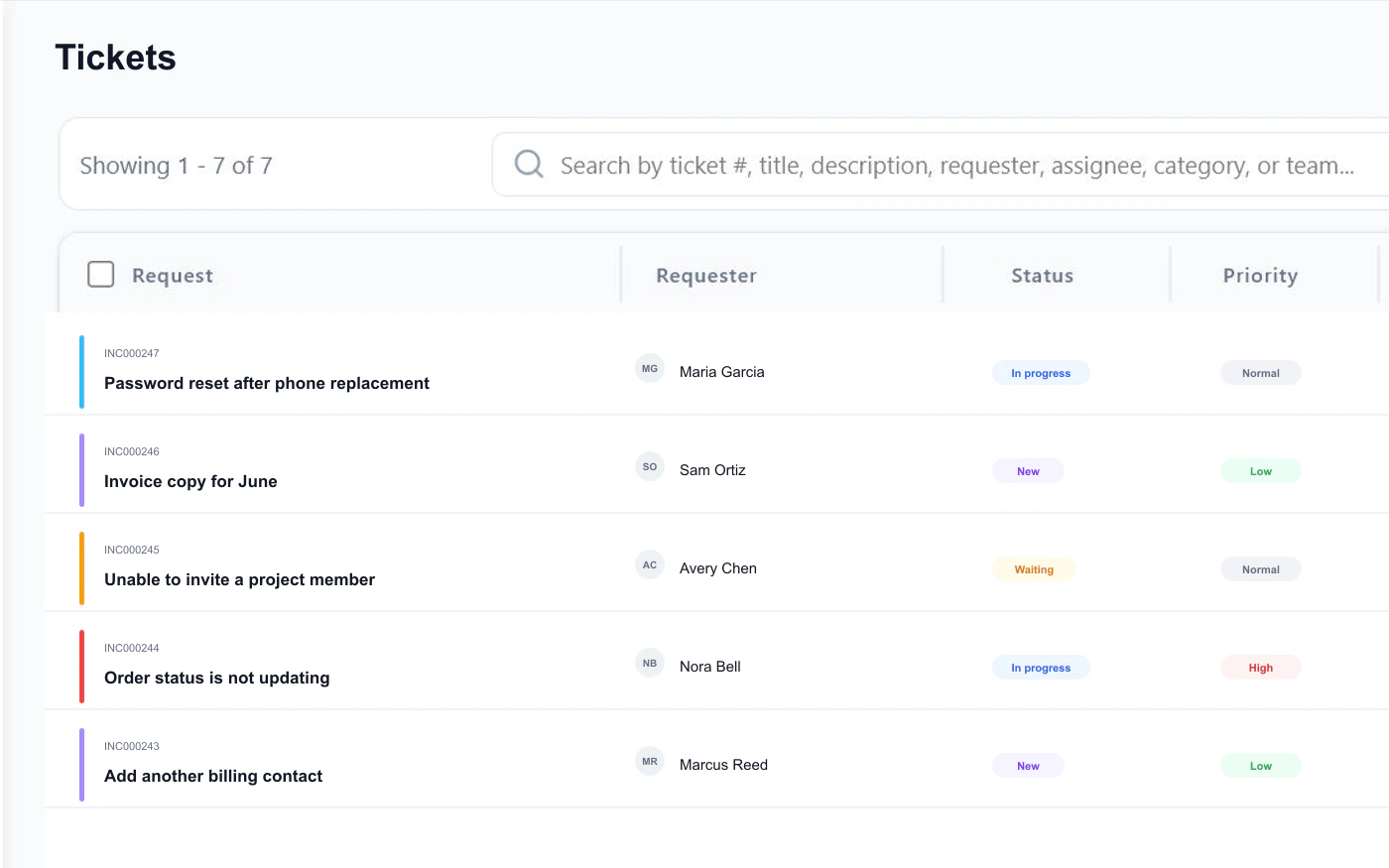
Clients send revision notes, approvals, bug reports, and launch questions to your FyneDesk support address. Each message becomes a tracked client request with an owner, status, and full history.
Account and Project Routing
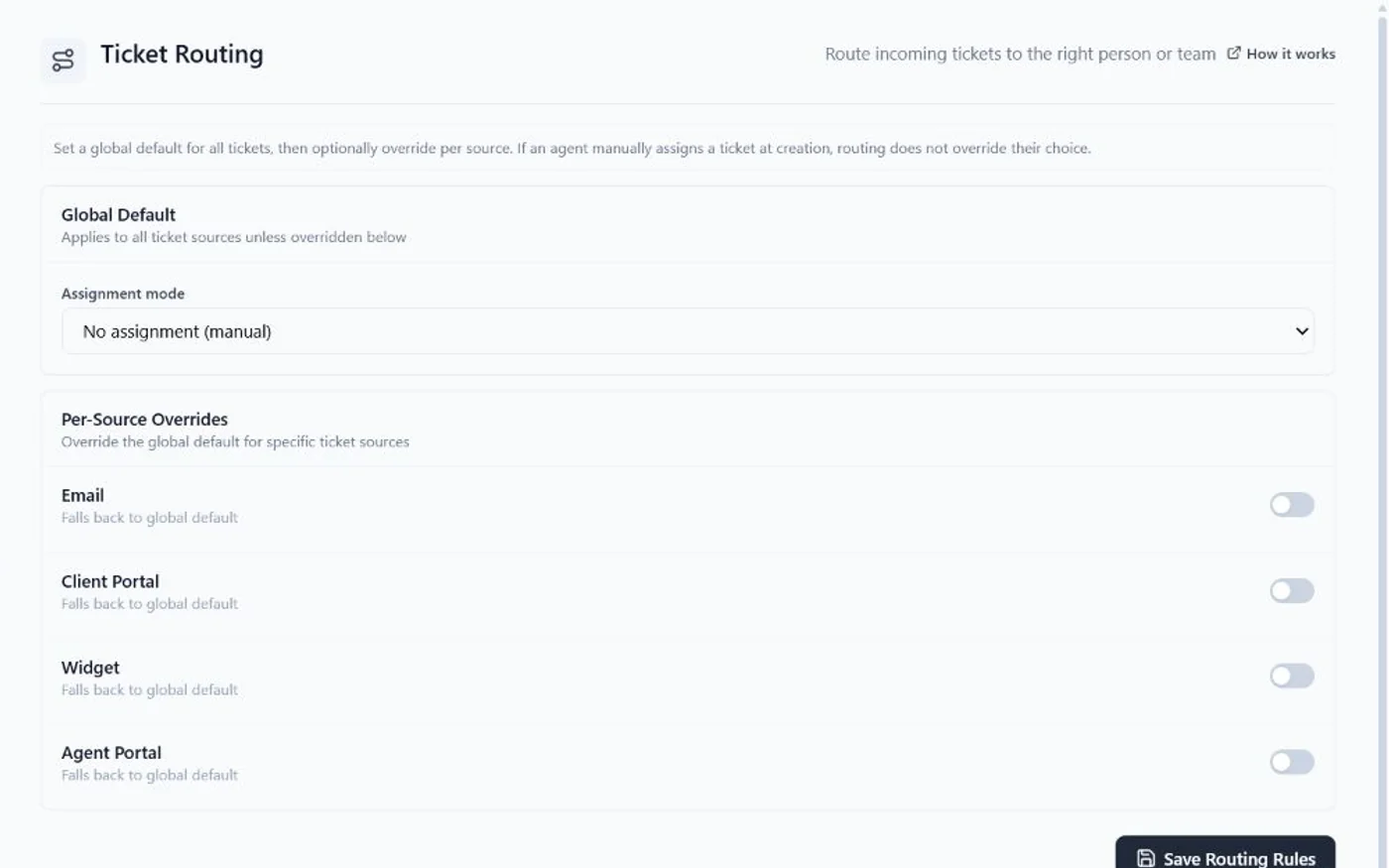
Send website revisions to the account manager, launch blockers to the delivery team, and billing questions to operations. Route by client, project type, priority, or round-robin across the team.
Client Workroom Portal on Pro
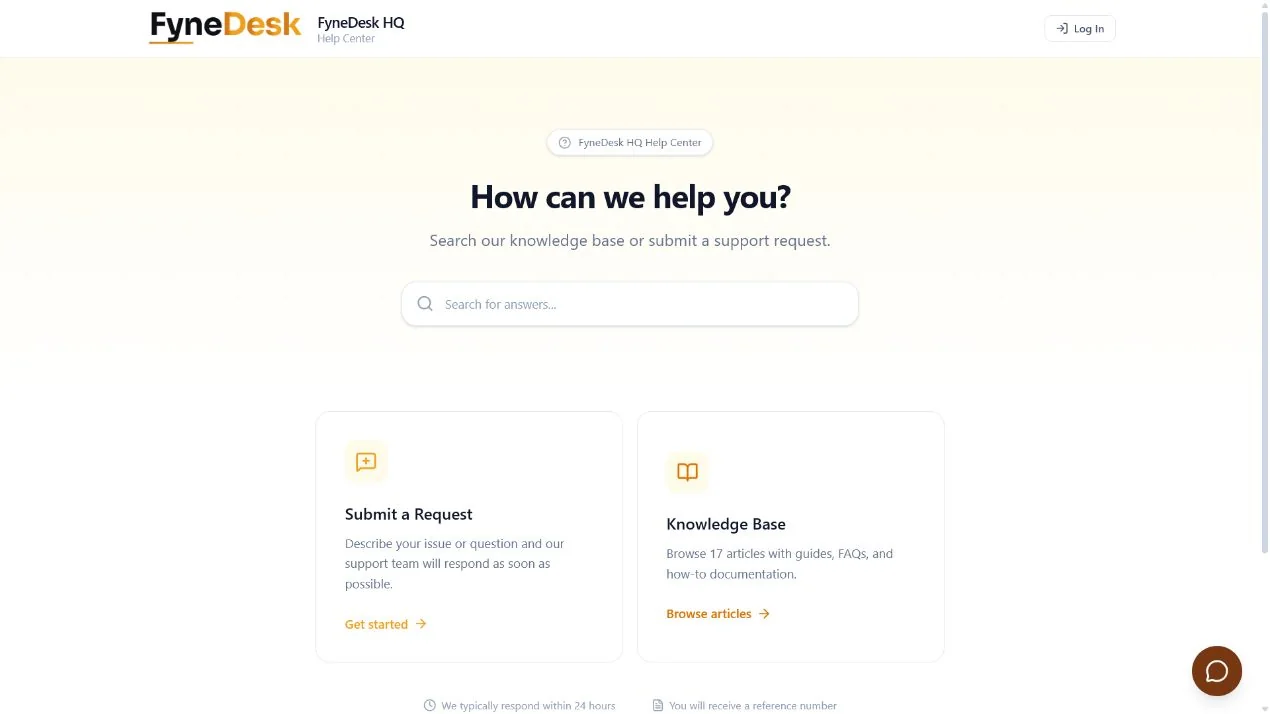
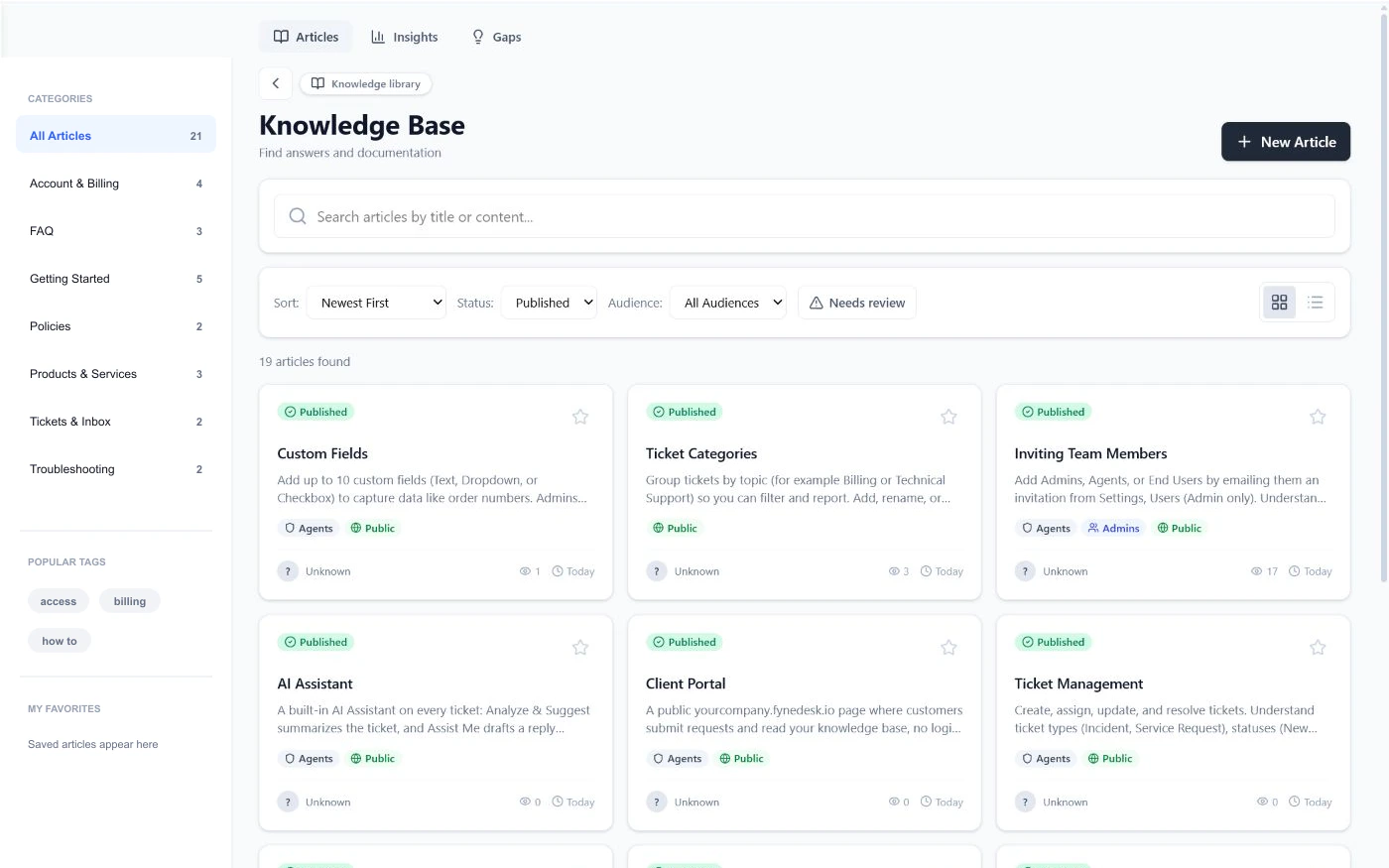
On Pro and Business, give clients a branded place to submit revisions, check deliverable status, and browse service documentation. They see their own requests and history instead of chasing your team for updates.
AI Drafts for Account Managers
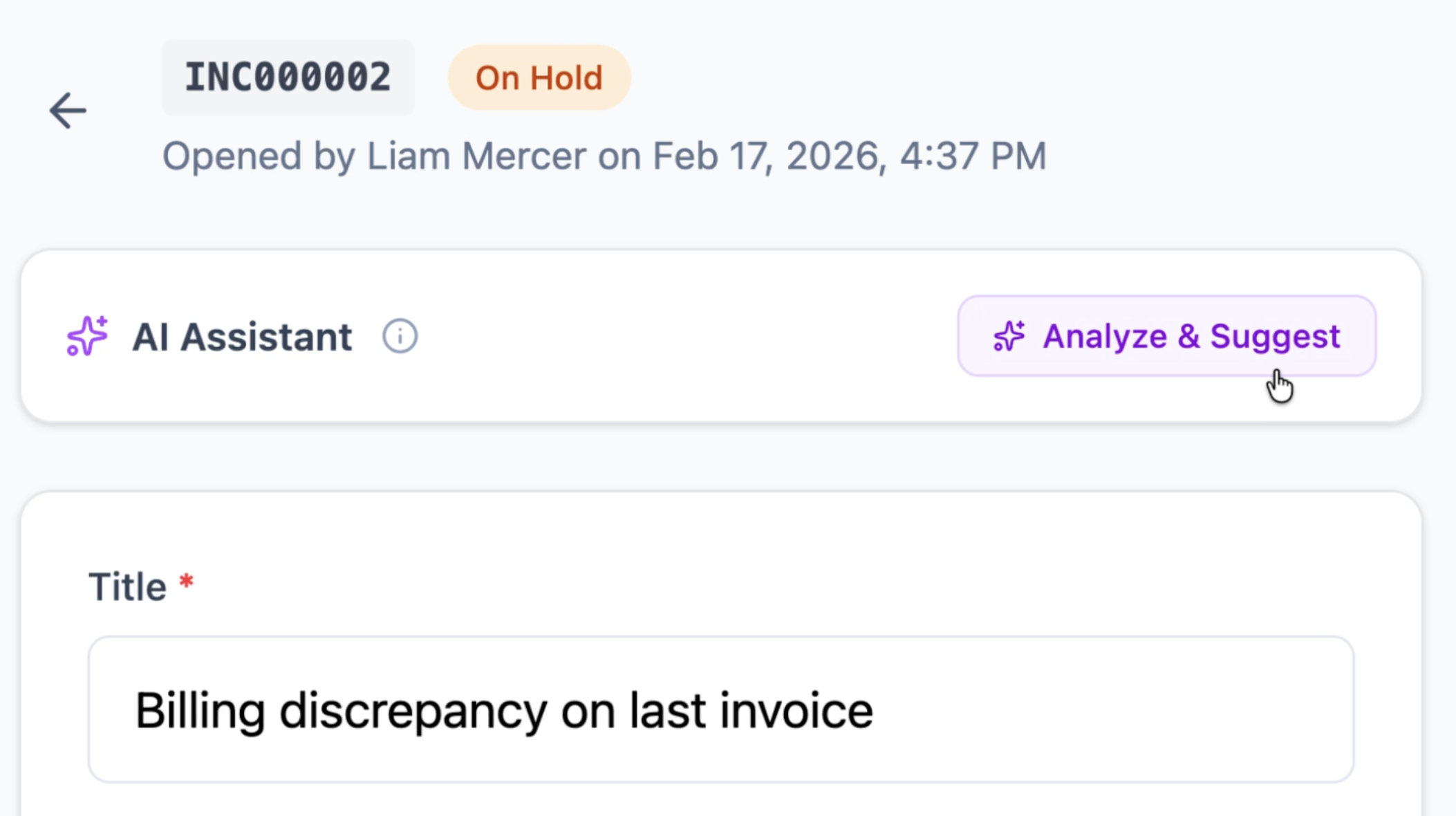
Pro AI Autopilot checks approved service docs and similar resolved client requests before drafting a reply. Business Auto Resolve can answer confident routine questions like status checks and basic process requests.
Service Playbook Library
Document revision rules, onboarding steps, service packages, approval processes, and client FAQs. AI uses those approved playbooks plus past resolved requests so answers match how your agency works.
How it works
Client requests come in
Clients email your agency address, submit a request through their portal, or use the widget on your website. Every request gets a number, a priority, and an owner.
AI and routing handle triage
Routing rules assign requests to the right account manager or team. Pro AI Autopilot checks approved docs and past resolved tickets, then drafts a reply so your team responds faster with full context.
Self-service keeps requests and status visible
Clients check their own status and browse your service documentation on the portal. Your dashboard shows open requests, response times, and workload across your team.
Frequently asked questions
What is agency client portal software?
Agency client portal software gives your clients a branded, professional way to submit requests, track the status of deliverables, and access documentation without emailing your team directly.
Can each client see only their own requests?
FyneDesk uses organization and requester access controls so signed-in clients see the requests and knowledge available to their account. Agencies should test roles, portal visibility, and client setup before rollout.
How does FyneDesk help with revision tracking?
Every revision request becomes a tracked item with a number, status, priority, assigned team member, and full activity history. Clients and your team can see the complete trail.
Can I customize the portal with my agency brand?
Yes. The Client Portal on Pro and Business displays your agency name and branding. Clients access it at youragency.fynedesk.io.
Is FyneDesk free for small agencies?
Yes. The Free plan includes ticket management, email-to-ticket, knowledge base, and AI assistance. See pricing for details. The Client Portal starts on Pro.
Does the AI cost extra?
There is no separate per-agent AI add-on. Drafting starts on Free with visible usage limits, Pro adds agent-reviewed AI Autopilot, and Business includes eligible Auto Resolve within its plan allowances.
Give your clients a professional support experience
Start with owned client requests, then add the Pro portal and Business workflow controls when delivery needs stronger coordination.
Free plan available.